Essential cookies enable core functionality. The website cannot function properly without these cookies, and they can only be disabled by changing your browser preferences.
Advertisement cookies are used to provide visitors with relevant ads and marketing campaigns. These cookies track visitors across websites and collect information to provide customized ads.
Used to identify individual clients behind a shared IP address and apply security settings on a per-client basis.
By selecting “Accept all” you allow QualityHive and our partners to use cookies and to share your data for all these purposes.
We and our partners use cookies and similar tools to measure our site's audience, evaluate the performance of our ads, and show you personalized content and ads.
Except for cookies that are essential for navigating our site, we use these cookies and share your data only with your consent.
Automate client feedback with our MCP serverLearn more!
A smoke test is a short, shallow check that a new build works well enough to be worth testing properly. It answers one question: is this fundamentally broken?
The name comes from hardware. Engineers would power up a new board and see whether smoke came out. If it did, there was no point running the detailed tests. Software borrowed the idea and the name.
What a Smoke Test Is Not
A smoke test is deliberately shallow. It is not trying to find edge cases, validate business rules, or check every field on every form. It touches a lot of the site very briefly rather than a small part of it thoroughly.
That shallowness is the point. If the homepage returns a 500 error, there is no value in your QA spending three hours testing the checkout. The smoke test catches that in ninety seconds and sends the build back.
What to Include in a Website Smoke Test
Keep it to the things that make the site fundamentally usable. The homepage loads without an error. The main navigation links resolve rather than 404. A representative page of each template type renders. The site loads over HTTPS without certificate warnings. Login works, if the site has accounts. No uncaught errors appear in the browser console on the key pages.
For an e-commerce site, add that a product page loads and an item can be added to the basket. For a content site, add that search returns results.
If your list takes longer than about ten minutes, it has stopped being a smoke test and become a regression pass. Both are useful, but they answer different questions.
Save countless hours on your projects
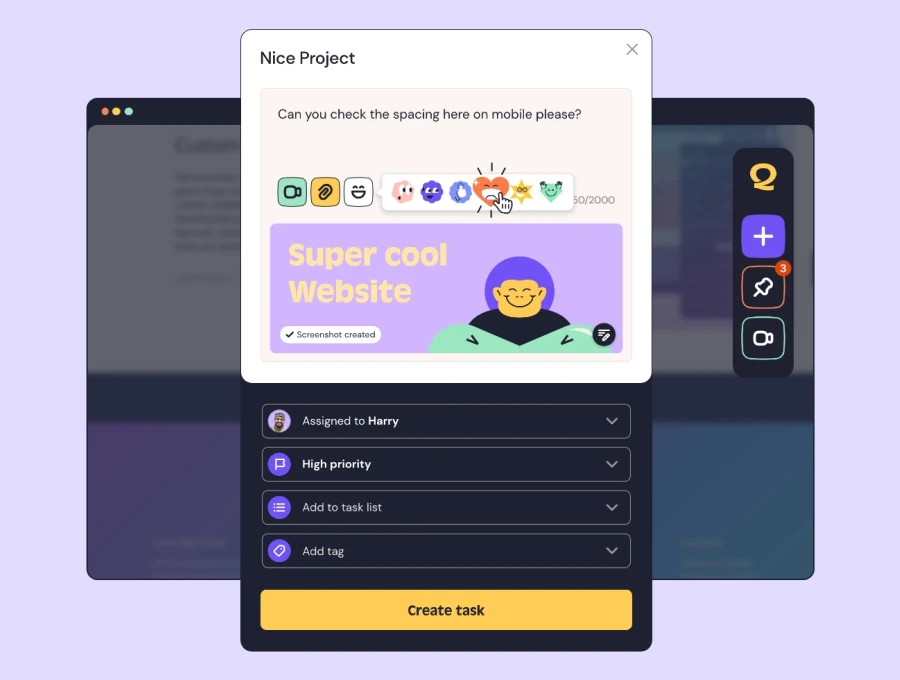
Raise tasks in under 3 seconds using our revolutionary widget
When to Run One
Run a smoke test every time a build lands somewhere it will be looked at: after every deployment to staging, immediately after any deployment to production, after a server migration or DNS change, and after any dependency or CMS update.
The post-production check matters most and is the one most often skipped. Plenty of teams test thoroughly on staging, deploy, and never load the live site. Environment differences in configuration, environment variables and caching mean a build that passed on staging can still fail in production.
Who Should Run It
Whoever deployed. Smoke testing is fast enough that it does not need a dedicated tester, and tying it to the person who pressed deploy means it actually happens. Making it a shared team responsibility reliably means it becomes nobody's.
This fits naturally with the idea of shifting testing earlier in the process, where the people making changes are also the first to check them.
Where Smoke Testing Fits Alongside Everything Else
Think of it as the first gate. Smoke test to confirm the build is viable, then regression test to confirm existing features still work, then hand over for user acceptance testing so the client can confirm it does what they asked for.
Each stage is cheaper than the one after it, which is the whole economic argument for running them in that order. Our website QA guide sets out the full sequence.
Log What Your Smoke Test Finds With QualityHive
A smoke test only pays for itself if the failures it catches get recorded properly rather than shouted across the office and forgotten.
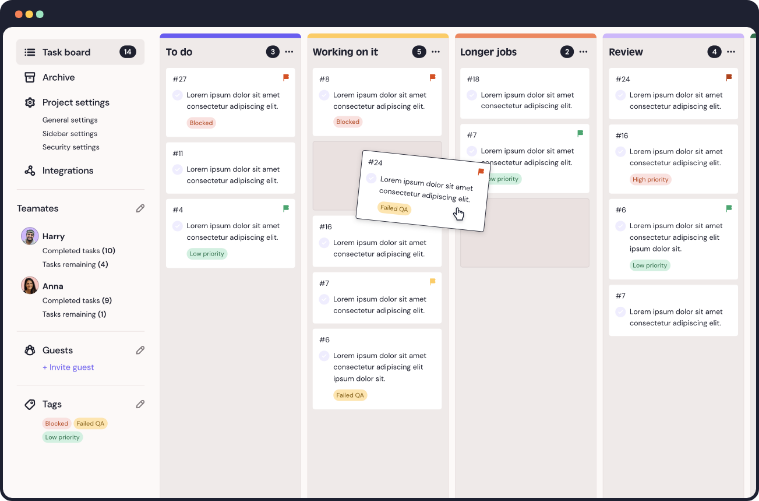
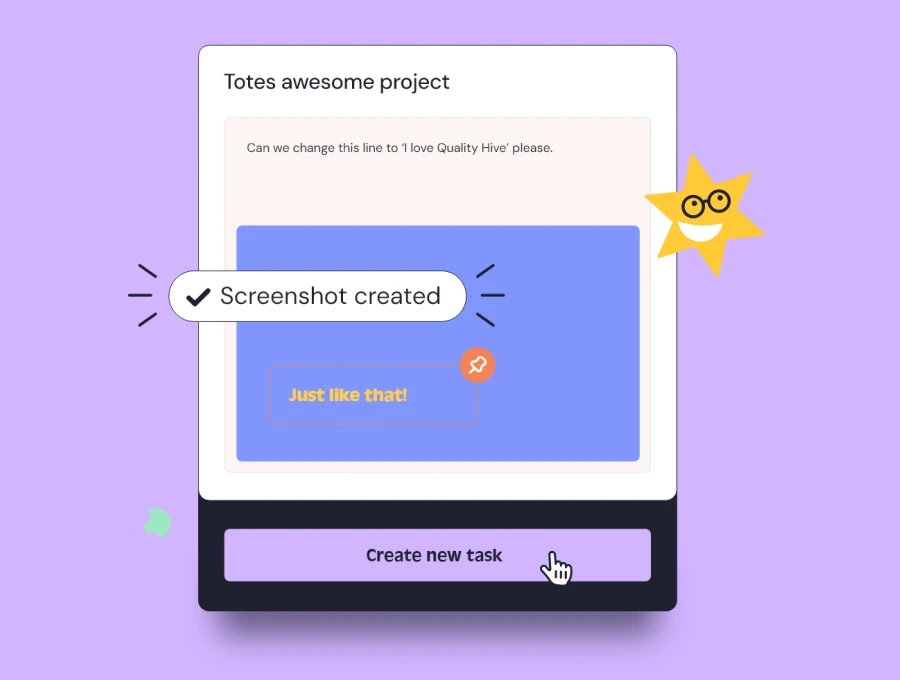
With QualityHive, whoever runs the check can raise an issue directly on the page in one click, with a screenshot, the browser and device details and any console errors attached automatically. It lands on your Kanban board immediately, so a failed deployment has a paper trail.