Essential cookies enable core functionality. The website cannot function properly without these cookies, and they can only be disabled by changing your browser preferences.
Advertisement cookies are used to provide visitors with relevant ads and marketing campaigns. These cookies track visitors across websites and collect information to provide customized ads.
Used to identify individual clients behind a shared IP address and apply security settings on a per-client basis.
By selecting “Accept all” you allow QualityHive and our partners to use cookies and to share your data for all these purposes.
We and our partners use cookies and similar tools to measure our site's audience, evaluate the performance of our ads, and show you personalized content and ads.
Except for cookies that are essential for navigating our site, we use these cookies and share your data only with your consent.
Automate client feedback with our MCP serverLearn more!
Regression testing is the practice of re-checking parts of a website that already worked, to confirm a recent change has not broken them. The name is literal: you are testing for regressions, where functionality moves backwards.
It is the difference between shipping a fix and shipping a fix plus two new bugs nobody noticed for a fortnight.
Why Working Features Break
Websites are interconnected in ways that are not obvious from the code. A shared CSS class touched for the checkout page also styles the contact form. A utility function tidied up during a refactor is called from four other places. A plugin update changes a hook that three templates depend on.
None of these are careless mistakes; they are the normal consequence of code reuse. Regression testing exists because the blast radius of a change is almost always larger than the change itself.
When Should You Run Regression Tests?
There are four moments that reliably justify it. After any bug fix, because the fix itself is a change. After adding a feature that touches shared components. After a dependency, framework or CMS plugin update, which is where the nastiest regressions hide. And before any launch or major release.
You do not need to re-test everything every time. The goal is proportional coverage: the more central the thing you changed, the wider you test around it.
Save countless hours on your projects
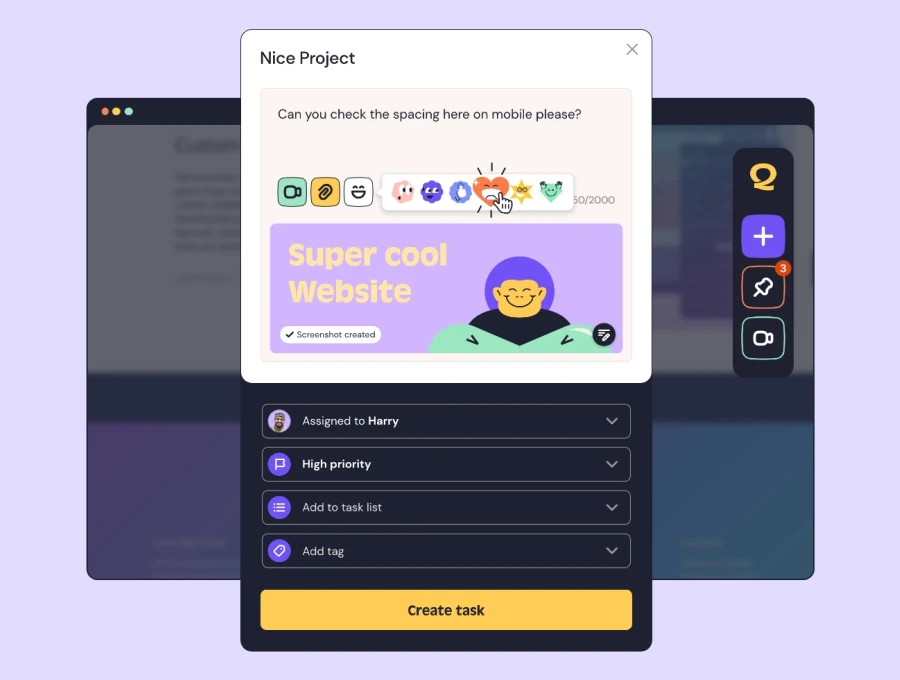
Raise tasks in under 3 seconds using our revolutionary widget
How to Build a Regression Suite Without Automation
Full automated coverage is wonderful and completely out of reach for most small agencies. The good news is that a written regression checklist delivers most of the value for a fraction of the cost.
Start by listing the journeys that would cost you money if they broke. For a typical site that is: the contact form submits and the enquiry arrives, the main navigation works on mobile, the checkout completes with a test card, login and password reset work, and the site renders correctly at your two or three key breakpoints.
That list is usually shorter than people expect, and running it takes twenty minutes. Compare that to the cost of a broken contact form nobody notices for a month. Our post on manual versus automated QA covers where to draw the line as you grow.
Regression Testing vs Smoke Testing vs UAT
These three get muddled constantly, so it is worth being precise. A smoke test is a quick check that the build is not fundamentally broken, run first and taking minutes. Regression testing is deeper, confirming that previously working features still work after a change.
User acceptance testing is different again: it is the client confirming the site does what they asked for, which is a question about requirements rather than about breakage. If you want the wider vocabulary, we maintain a list of essential QA terms.
Keep a Record of What Broke Before
The most useful regression suite is not generic, it is specific to your site's history. Every bug you fix is evidence of a fragile area, so add a check for it to the list. Over time the checklist becomes a map of where your particular codebase tends to crack.
This is also the strongest argument for keeping bug history somewhere searchable rather than scattered across email and Slack. If you cannot see what broke last time, you cannot test for it this time.
Run Your Regression Checks in One Place With QualityHive
Regression testing falls apart when the checklist lives in a spreadsheet and the results live in someone's inbox. Keeping both together is what makes it a habit rather than a good intention.
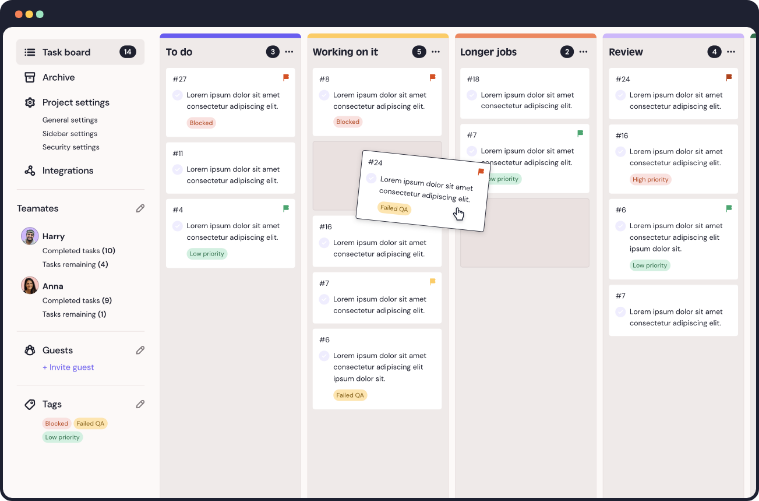
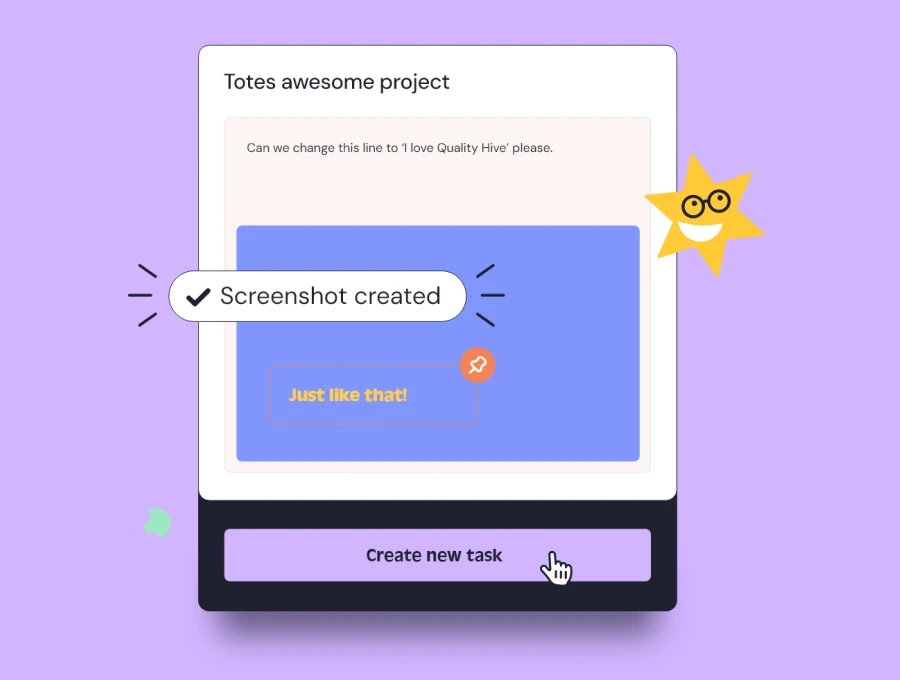
QualityHive gives your team a Kanban board for tracking issues, with screenshots, screen recordings and full browser and device context captured automatically when something fails a check. Past bugs stay visible, so building next quarter's regression list is a matter of reading your own history.