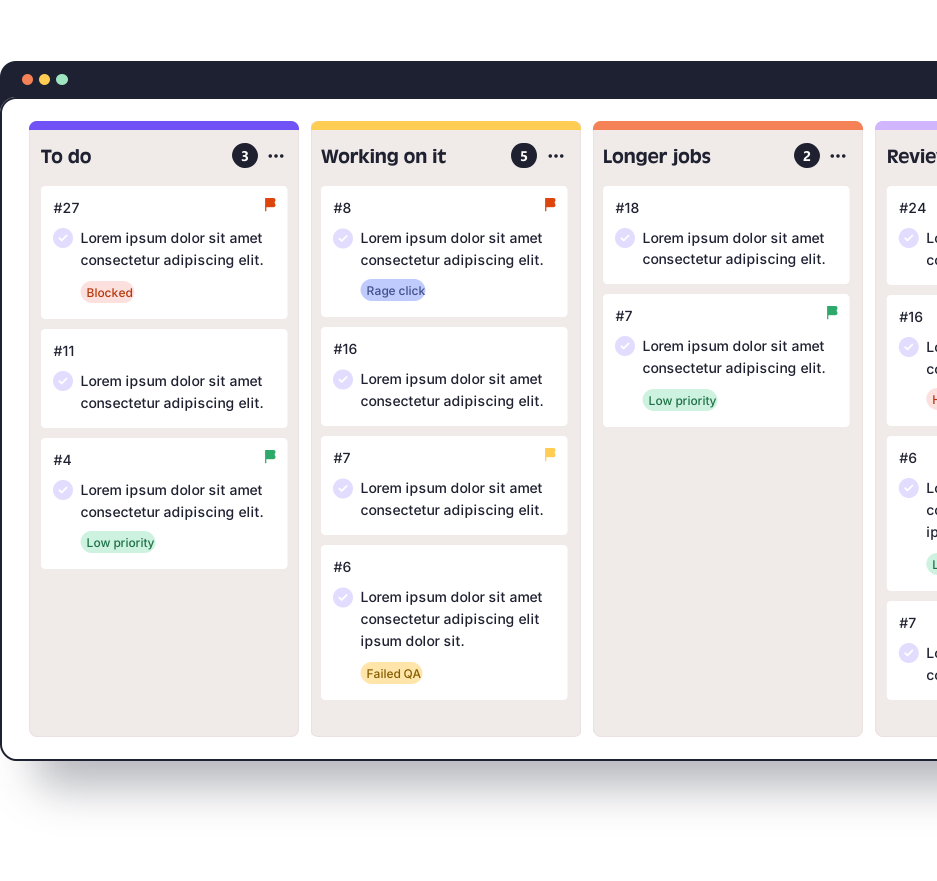
An agency needs its feedback tool to do two jobs: keep each client's comments together, and stop clients costing you seats. QualityHive gives each client site its own project and each client a guest link, so adding a client does not add a seat.
Where revision rounds cost you
Margin tends to go in the gap between what a client wrote and what a developer can act on. Here is a made-up example, so swap in your own numbers.
A fixed-price build has 12 hours set aside for revisions. The client sends 30 comments across two emails, a PDF and a phone call. Someone on your team spends 5 minutes per comment working out which page, which device and what was meant. That is 2.5 hours per round before anyone changes a line. Three rounds is 7.5 hours, more than half the allowance, spent on admin.
Those 5 minutes are the part you can remove. A pinned task already records the page and the exact element with a screenshot, plus browser, OS and screen size on paid plans.
Setting up multi-client delivery
Step | What to do | Why it matters on agency work |
1 | Create one project per client site | Tasks for one client never sit on another client's board |
2 | Add the script to the site's | One change per site, and it can go on staging first |
3 | In Widget setup, turn on Guest feedback and copy the link | Each client gets one link for their own project |
4 | Give the link a review window | Everything raised inside the window counts as one round |
5 | Work the board, then mark tasks complete | Status lives on the board, away from anyone's inbox |
The guest feedback setup guide has the exact clicks, and our guide to managing revision rounds covers how to agree what a round is before the project starts.
For sites you cannot edit, such as a live site during a retainer audit, your team can use the Chrome, Firefox or Edge extension with no site changes.
Seats versus guest access
Count the people inside your agency. Clients reviewing through a guest link do not use a seat on any paid plan, so the plan is sized by your team alone.
Plan | Monthly price | Members | Cost per member | Projects |
Lite | $18 | 2 | $9.00 | 5 |
Essential | $40 | 5 | $8.00 | Unlimited |
Mega | $78 | 10 | $7.80 | Unlimited |
Colossal | $140 | 30 | $4.67 | Unlimited |
Another hypothetical: an agency has 8 staff and 12 active client sites with 3 reviewers each. That is 36 client reviewers, and Mega at $78 covers it because only the 8 staff need seats. If those reviewers needed seats you would be looking for 44, which is more than Colossal includes.
Mega adds Excel export, JavaScript error monitoring and webhooks. Colossal adds priority support and API access. The pricing page has the full breakdown.
Mixed client stacks
Guest links load the client's site in a frame from app.qualityhive.com. If a site sends strict X-Frame-Options or CSP headers, they need to allow app.qualityhive.com and connector.qualityhive.com. On hosted platforms where you cannot change those headers, plan on the widget script or the extension instead. Our Shopify and Webflow pages explain what that means on those builds, and the WordPress page covers caching and plugin conflicts.
Where another setup may suit you better
Direct integrations are limited to Trello and Monday.com. If your delivery runs through Jira or Asana, you would need webhooks on Mega or the API on Colossal, plus some development time of your own.
If your developers use AI assistants, the MCP server lets tools such as Claude read tasks with their full context, comment on them and complete them. See client feedback in Claude for how that works.