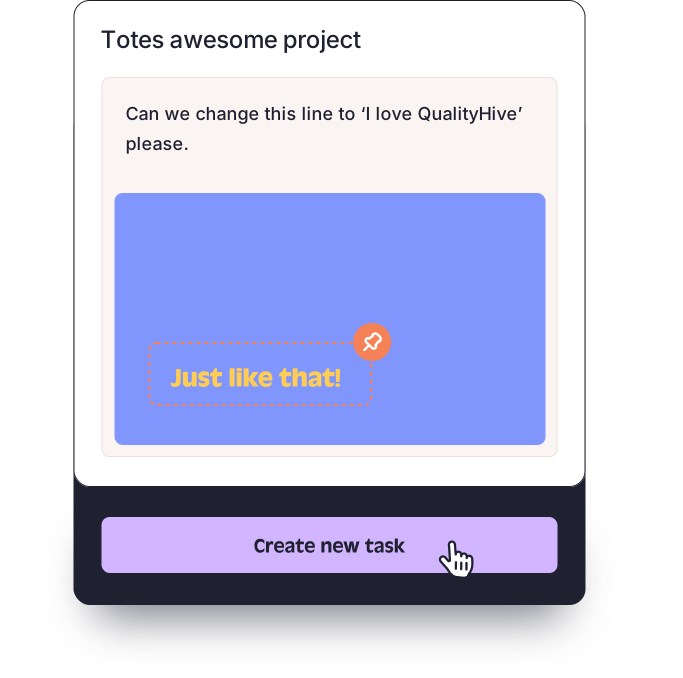
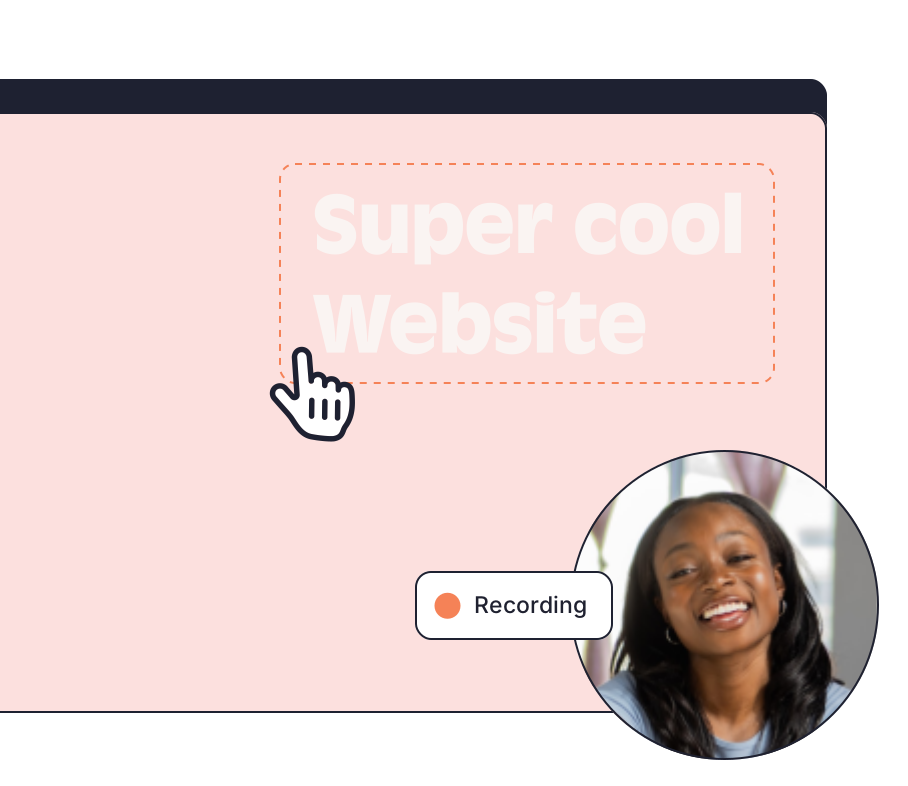
QualityHive has a Free plan for one person working on one project. It includes screenshots, annotations, video recording and the WYSIWYG editor at $0, with no card needed to start. It does not include guest feedback, so if you want clients to leave feedback through a link you will need Lite or above.
Exactly what Free includes
Feature | Free ($0) | Lite ($18 a month) |
Members | 1 | 2 |
Projects | 1 | 5 |
Screenshots and annotations | Yes | Yes |
Video recording | Yes | Yes |
WYSIWYG editor | Yes | Yes |
Guest feedback for clients | No | Yes |
MCP server for AI assistants | No | Yes |
Trello and Monday.com integrations | No | Yes |
Browser info on tasks | No | Yes |
Excel export, JavaScript errors, webhooks | No | No, these start on Mega |
API | No | No, this is on Colossal |
Prices are monthly, in US dollars. The full list is on our pricing page.
Who the Free plan suits
A freelancer or developer doing their own QA on one site
Someone keeping a list of fixes for their own website
One person who wants to try annotating a live page before involving anyone else
You can annotate live pages with a small script on the site, or with the Chrome, Firefox or Edge extension and no site changes at all.
When you need Lite
Lite is $18 a month. You will need it, or a higher plan, as soon as any of these is true.
A client or stakeholder needs to give feedback directly. Guest feedback is not on Free. On Lite and above, clients get one link with no login or install and do not use a seat.
A second person needs access. Free has one member. Lite has two.
You have a second project. Free has one. Lite has five.
You need browser details on tasks. Free does not capture browser, OS and screen size.
You work from Trello or Monday.com. The direct integrations start on Lite.
You want an AI assistant to read your tasks. The MCP server starts on Lite.
Essential at $40 a month gives you 5 members and unlimited projects, with the same features as Lite. Excel export, JavaScript error monitoring and webhooks start on Mega at $78 a month. API access and priority support are on Colossal at $140 a month.
What happens after your 14 days on Mega
Every new account gets 14 days on Mega with no card. During that time you have the Mega features, including guest feedback. After 14 days the account moves to the Free plan automatically, and your projects stay put. Because no card was taken, nothing is charged.
Use those 14 days to find out what you actually rely on. If guest links turned out to be the part you cannot do without, Lite is the plan to look at. If you spent the fortnight working alone on one site, Free may be all you need.
Collecting client feedback without paying
On QualityHive's Free plan you cannot collect feedback through a guest link, and there is no workaround we would recommend. You could gather comments by email or on a call and raise them as tasks yourself, which is workable for a small site with one reviewer.
If your work depends on clients leaving feedback directly on the site, Free is the wrong plan for that job. See our client feedback tool page for how guest links work on Lite and above. If the budget really is zero, compare other tools in our round-up of website feedback tools and check each tool's current free limits on its own site before you commit.