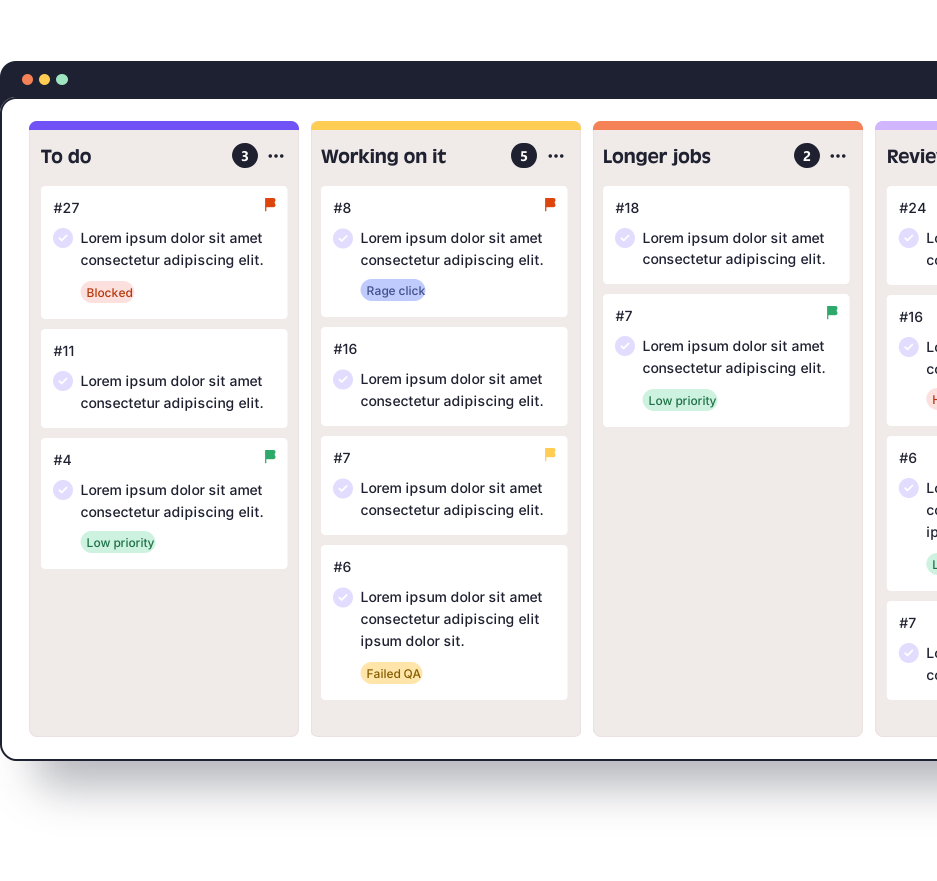
A client feedback tool gives your client one place to say what needs changing, directly on the website, so nobody has to turn an email thread into a task list. In QualityHive that place is a guest link. You send it, your client opens it, clicks what is wrong and types a note, with no login, no install and no seat used. Guest links need the Lite plan or above.
What an email chain loses
What your team needs | In an email chain | With a guest link |
Which element | "The button near the top" | The exact element is pinned |
What it looked like | A screenshot, if someone remembered to attach one | Captured automatically |
Their browser and screen | A follow-up question, then a wait | Captured on the task |
Where it is up to | Whoever replied last | Visible on the Kanban board |
Several reviewers | Separate threads that drift apart | One list of tasks on one board |
What is still open | Someone rereads the whole thread | Filter the board |
How a guest link works
Send your client the guest link, by email or however you normally talk to them.
They open it and see their site with the feedback widget on it. There is no account to create and nothing to install.
They click the element that needs changing and type what is wrong.
A task lands on your Kanban board with a screenshot, the pinned element and their browser, OS and screen size.
Your team works through the board and marks tasks complete.
The widget is invisible to the public unless they have the link, so visitors to a live site will not see it. There is more detail on the guest feedback feature page.
Getting clients to actually use it
A link does not fix a vague brief or a silent client. Three habits make the difference.
Tell them what to look at and by when. These copy-paste website feedback emails include the request and the chasers.
Show them what a useful comment looks like. Send this short guide on how to give website feedback with the link.
Name one person who settles disagreements. It stops two reviewers asking for opposite changes on the same heading. If changes keep coming, define your revision rounds in the contract.
Which plan you need
Plan | Price per month | Members | Projects | Guest feedback |
Free | $0 | 1 | 1 | No |
Lite | $18 | 2 | 5 | Yes |
Essential | $40 | 5 | Unlimited | Yes |
Mega | $78 | 10 | Unlimited | Yes |
Colossal | $140 | 30 | Unlimited | Yes |
Guests do not use a seat, so the member count only needs to cover your own team. Every new account starts with 14 days on Mega with no card, which is long enough to try a guest link on a real project. After that the account moves to the Free plan automatically and your projects stay put, but Free does not include guest feedback, so you would need Lite or above to carry on using it.
Where a guest link will not work
The guest link loads the site inside a frame from app.qualityhive.com. Sites with strict X-Frame-Options or Content Security Policy headers need to allow app.qualityhive.com and connector.qualityhive.com.
On hosted platforms where you cannot change those headers, Shopify in particular, we do not promise the guest link will work. Use the widget script or the browser extension instead.
When email is still fine
One or two small changes from a client you speak to every week do not need a tool. A feedback tool earns its place when more than one person is reviewing, when the site has more than a handful of pages, or when you are running a formal review round.
Once the feedback is on the board, you can also hand it to an AI assistant through our MCP server, which is included from Lite upwards.