Essential cookies enable core functionality. The website cannot function properly without these cookies, and they can only be disabled by changing your browser preferences.
Advertisement cookies are used to provide visitors with relevant ads and marketing campaigns. These cookies track visitors across websites and collect information to provide customized ads.
Used to identify individual clients behind a shared IP address and apply security settings on a per-client basis.
By selecting “Accept all” you allow QualityHive and our partners to use cookies and to share your data for all these purposes.
We and our partners use cookies and similar tools to measure our site's audience, evaluate the performance of our ads, and show you personalized content and ads.
Except for cookies that are essential for navigating our site, we use these cookies and share your data only with your consent.
Automate client feedback with our MCP serverLearn more!
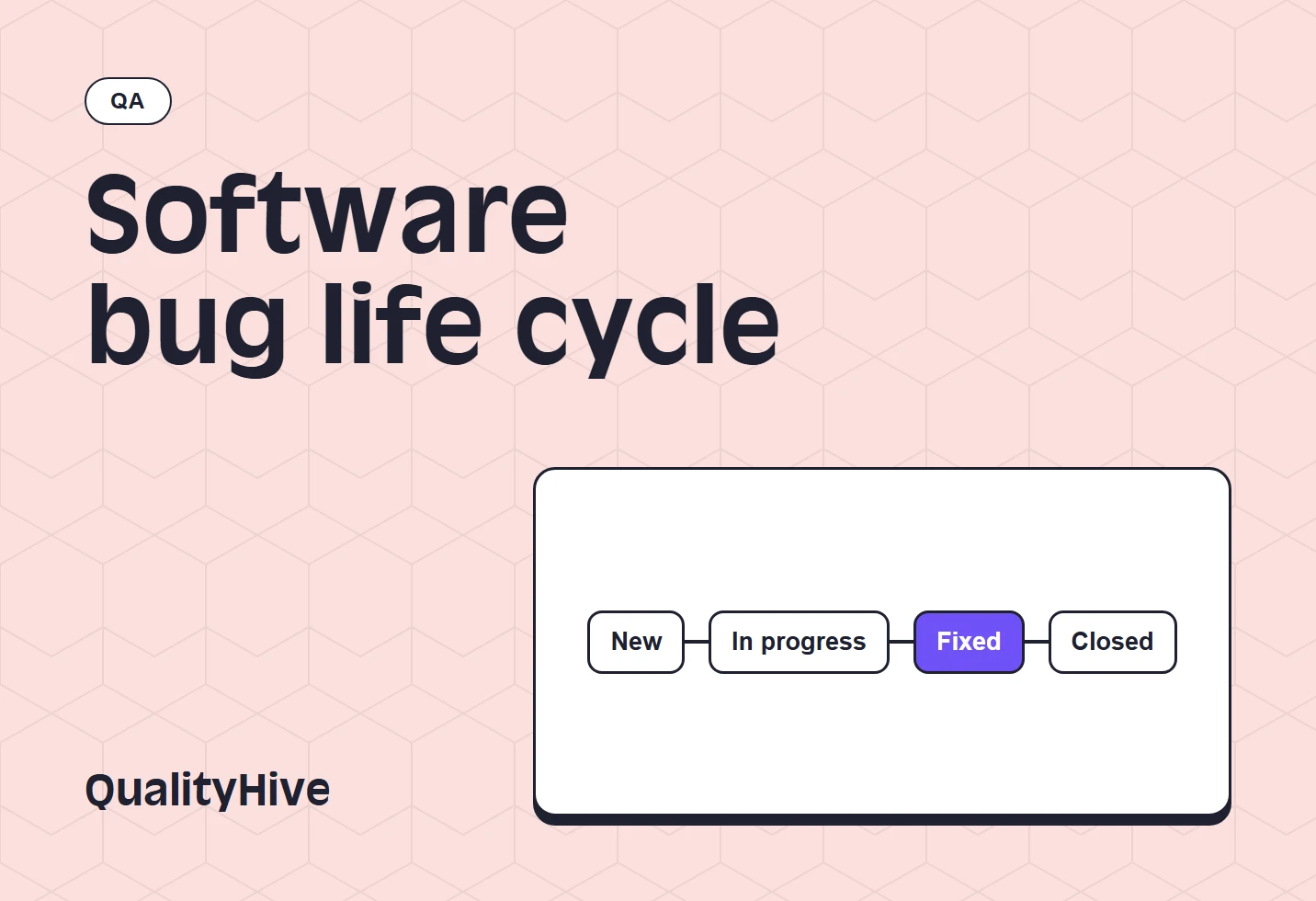
The software bug life cycle is the set of states a bug passes through from being reported to being closed. In most teams it runs New, Triaged, Assigned, In Progress, Fixed, In Test, Verified and Closed, with side exits for Rejected, Duplicate and Deferred, and a loop back to Reopened when a fix fails.
Tools label these states differently, but the decisions behind them are the same. Below is every state, who owns each move and how to fit the whole thing on a simple board for a web project.
The bug life cycle at a glance
Reported | New |-- Rejected ---------> Closed |-- Duplicate --------> Closed |-- Cannot reproduce -> Closed |-- Deferred -> back to Triaged later |Triaged |Assigned <-----------+ | |In Progress | | |Fixed | | |In Test -- fails -> Reopened |Verified |Closed
Two things this diagram shows that a straight line would not. A bug can leave the cycle at triage without ever reaching a developer. And a failed retest goes back to the developer, not back to the start of the queue.
Every state explained
State
What it means
Who holds it
What must be true to leave
New
Reported, not yet read
Triage lead
Someone has reviewed it
Needs info
Cannot be acted on without more detail
Reporter
The reporter has answered
Triaged
Confirmed as a real bug with severity and priority set
Triage lead
It has an owner
Assigned
A developer owns it, work not started
Developer
Work has started
In Progress
Being fixed
Developer
Fix is deployed somewhere testable
Fixed
Fix is done and ready for testing
Tester
A tester has picked it up
In Test
Being retested
Tester
It has passed or failed
Verified
Fix confirmed in the test environment
Release owner
It is live
Closed
Finished, nothing further needed
Nobody
Only if the bug returns
Reopened
Fix failed or the bug came back
Developer
Reassigned and back in progress
Rejected
Not a bug: works as designed or out of scope
Triage lead
Reporter has been told why
Duplicate
Same bug as one already logged
Triage lead
Linked to the original
Cannot reproduce
The team could not make it happen
Triage lead
Closed, or reopened with new detail
Deferred
Real, but not being fixed now
Project lead
Its review date arrives
"Needs info" is optional, but it stops incomplete reports sitting in New. Some teams call Triaged "Open" or "Confirmed", and call Fixed "Ready for test". The name matters less than the rule for leaving the state.
Who owns each transition
A status change is a handover, so each one needs a named owner and something written down.
Transition
Who does it
What they must add
New to Triaged
Triage lead (PM, QA lead or senior developer)
Severity, priority, confirmation it reproduces
Triaged to Assigned
Project or development lead
A named owner
Assigned to In Progress
Developer
Nothing, just start
In Progress to Fixed
Developer
What changed and where to test it
Fixed to In Test
Tester
Nothing, just start
In Test to Verified
Tester
Environment and date tested
In Test to Reopened
Tester
What still fails, with steps
Verified to Closed
Release owner or PM
Release or deploy reference
New or Triaged to Rejected
Triage lead
A reason the reporter can read
New or Triaged to Duplicate
Triage lead
A link to the original bug
Triaged to Deferred
Project lead (the client on agency work)
A review date or milestone
The rule that catches the most mistakes: whoever fixed a bug should not be the person who marks it verified. Fresh eyes on staging find the case the developer did not think of.
Save countless hours on your projects
Raise tasks in under 3 seconds using our revolutionary widget
What deferred, rejected and duplicate really mean
These three cause most of the arguments, because each one feels like "we are not fixing your bug". Being precise about them keeps reporters reporting.
Deferred means the bug is real and the team is choosing not to fix it yet, usually because a higher priority is competing for the same time. A deferred bug without a review date is a bug that has been quietly abandoned, so always give it a milestone such as "review after launch".
Rejected means the team believes it is not a bug at all. The two common reasons are that the behaviour matches the agreed requirements or that it sits outside the scope of the project. On agency work, a rejected report is often a change request in disguise, so offer to raise it as one instead of leaving it closed. Always give a reason that a non-developer can understand.
Duplicate means the same underlying fault has been reported before. Close the newer report and link it to the older one, then copy across anything useful, such as a device the first reporter did not test. Check that both really share a cause: two "broken checkout" reports can be two different bugs.
Cannot reproduce is different from all three. It means the team has tried and failed to see the fault, so it is not a judgement on the report. Ask for a video or the exact account used, and our guide on how to reproduce a bug covers the rest. If the bug cannot be seen and nothing new arrives, close it and say it can be reopened with more detail.
Mapping the cycle to a simple Kanban board
You rarely need fourteen columns. For a typical web project, five columns cover the same ground:
Kanban column
Life cycle states
Who moves a card in
Rule for the column
Inbox
New, Needs info
Reporter or the tool
Empty it at least once a day
To fix
Triaged, Assigned, Reopened
Triage lead
Every card has an owner and a priority
In progress
In Progress
Developer
One or two cards per developer
Ready to check
Fixed, In Test
Developer
Staging link included in the card
Done
Verified, Closed
Tester or PM
Only a tester or PM moves cards here
The side exits (Rejected, Duplicate, Cannot reproduce, Deferred) do not need columns. Move those cards to Done with a label, or add one "Not doing" column if your client likes to see them. If your contract includes client sign-off, add a "Client check" column between Ready to check and Done, and follow the steps in our website UAT guide.
QualityHive puts every report on a real-time Kanban board and tasks can be marked complete, which suits this kind of short, visible flow.
The bug life cycle in Jira
Jira starts simple. Team-managed spaces come with three statuses: To do, In progress and Done, and you add more as the process grows. Atlassian's status and resolution reference lists the default resolutions as Done, Won't do and Duplicate, with Cannot reproduce available in Jira as well.
Here is a practical mapping:
Life cycle state
Jira status
Jira resolution
New
Backlog or To Do
None
Triaged, Assigned
Selected for Development
None
In Progress
In Progress
None
Fixed, In Test
In Review (or add In Test)
None
Reopened
Reopened
Clear it
Verified, Closed
Done
Done
Rejected
Done
Won't do
Duplicate
Done
Duplicate
Cannot reproduce
Done
Cannot reproduce
Deferred
Backlog
None
Set the resolution when a bug is finished and clear it if the bug is reopened, so filters built on resolution stay accurate.
There is no industry standard for this, so treat these as starting points to agree with your team:
New: read within one working day.
Needs info: chase after two working days, then close it with a note.
Fixed: retested within two working days of deployment.
Verified: live with the next release.
Deferred: reviewed at every release or milestone.
Long waits in New usually mean nobody owns triage. Long waits in Fixed usually mean nobody owns retesting.
When the cycle goes wrong
Bugs pile up in Fixed. Name one retester per release, even if it is the PM.
The same bug keeps getting reopened. If the symptom changes after the fix, raise a new bug and link them. Reopening is for the same fault, on the same steps.
Bugs get closed before they are live. Verified on staging is not finished. Only Close once the fix has been released.
Everything is deferred. Run a monthly review and reject anything nobody will ever fix.
Bugs arrive without enough detail. Use a consistent bug report template so that triage is not spent asking for information.
Revolutionise your QA processes
FAQ
What are the stages of the bug life cycle?
The usual stages are New, Triaged, Assigned, In Progress, Fixed, In Test, Verified and Closed. Rejected, Duplicate, Cannot reproduce and Deferred are side exits, and Reopened sends a failed fix back to the developer.
Is the bug life cycle the same as the defect life cycle?
Yes. "Bug" and "defect" are used interchangeably here, and both terms describe the same set of states.
Should a retest failure reopen the bug or create a new one?
Reopen it if the same steps still produce the same fault. Create a new bug and link the two if the fix changed the symptom or exposed a different problem.
Who can close a bug?
Normally the tester, QA lead or project manager, after confirming the fix is live. Developers should not close their own fixes unless they are working alone.
Do small web projects need all these states?
No. A five-column board covers the same decisions. What matters is that someone reads new reports, that someone other than the developer checks each fix, and that deferred bugs have a review date.