What a visual bug report actually is
A visual bug report starts on the page instead of in a blank form. The person clicks the thing that is wrong, says what is wrong with it, and the tool attaches the details a developer would otherwise have to ask for.
Most vague reports are vague for a simple reason: the reporter does not know what a developer needs. "The button doesn't work" is an honest description from someone who cannot tell which of the four buttons on the page, which browser or which device matters.
What changes when the page does the describing
These are made-up examples, but the questions in the middle column are the ones that hold up a fix.
Vague report | What the developer has to ask | What a visual report already has |
"The button doesn't work" | Which button? Which page? | The exact element pinned on a screenshot |
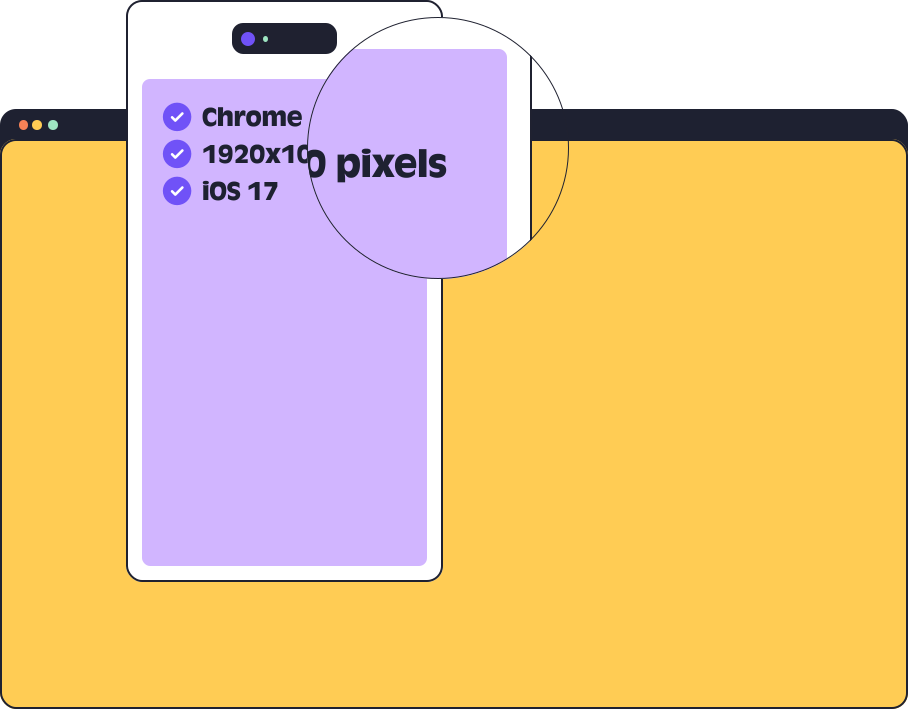
"It looks wrong on my phone" | Which phone? Which browser? | Browser, OS and screen size on the task |
"The page crashed" | What did you click? Was there an error? | A screen and voice recording, with JavaScript errors logged |
"See the screenshot I emailed" | Which email? Which version of the site? | Everything on one task, on one board |
You still need someone to write down what is wrong. What goes away is the back and forth about where and on what.
How a report gets made
Add a small script to the site's
A widget sits on the page. It can be moved left, right or to the bottom so it stays out of the way.
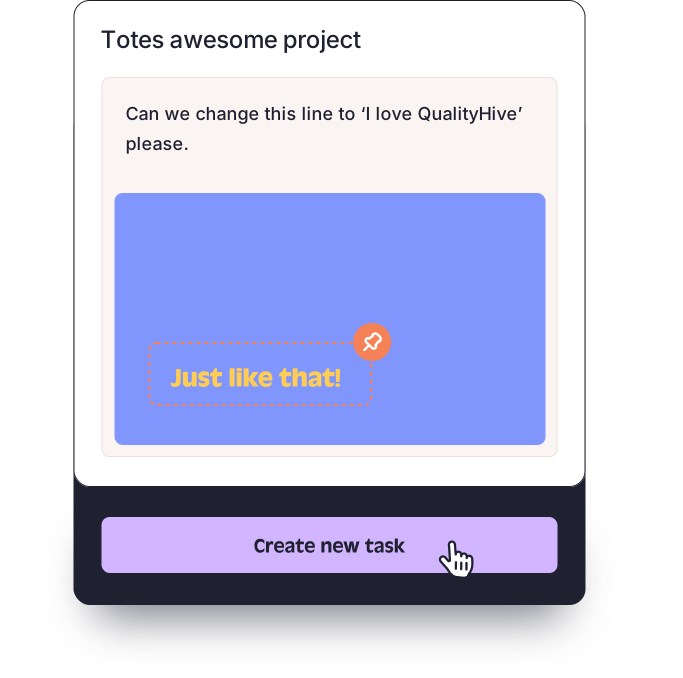
Someone clicks an element and types what is wrong.
A task is created with a screenshot and that element pinned, and it appears on a real-time Kanban board.
Annotate the screenshot, or record the screen with your voice if a still image cannot show the problem.
Clients and testers can report through a guest link. They get one link with no login or install, they do not use a seat, and the widget stays invisible to the public unless they have that link. Guest links need the Lite plan or above.
What is captured on each plan
On each task | Free | Lite and Essential | Mega | Colossal |
Screenshot with the element pinned | Yes | Yes | Yes | Yes |
Annotations and video recording | Yes | Yes | Yes | Yes |
Browser, OS and screen size | No | Yes | Yes | Yes |
Guest feedback link | No | Yes | Yes | Yes |
JavaScript errors | No | No | Yes | Yes |
Excel export and webhooks | No | No | Yes | Yes |
REST API | No | No | No | Yes |
Free is one person and one project. Every new account gets 14 days on Mega with no card, then moves to Free automatically and projects stay put. Member and project limits for each plan are on the pricing page.
Guest links and strict security headers
The guest link loads your site inside a frame from app.qualityhive.com. If your site sets strict X-Frame-Options or Content Security Policy headers, those headers need to allow app.qualityhive.com and connector.qualityhive.com. On hosted platforms where you cannot change them, Shopify in particular, use the widget script or the browser extension instead of the guest link. Our guide to installing the tracking code covers the setup.
A visual bug reporting tool is built for things a person can see on a web page. Failures from automated test suites and bugs that only show up in server logs belong in a developer issue tracker.
QualityHive's direct integrations are with Trello and Monday.com only. Webhooks on Mega and the REST API on Colossal exist for anything else. If your developers need every report filed straight into another tracker, our round-up of bug tracking tools covers options built around that.
If you are not ready for a tool at all, a consistent bug report template will get you a long way.