Essential cookies enable core functionality. The website cannot function properly without these cookies, and they can only be disabled by changing your browser preferences.
Advertisement cookies are used to provide visitors with relevant ads and marketing campaigns. These cookies track visitors across websites and collect information to provide customized ads.
Used to identify individual clients behind a shared IP address and apply security settings on a per-client basis.
By selecting “Accept all” you allow QualityHive and our partners to use cookies and to share your data for all these purposes.
We and our partners use cookies and similar tools to measure our site's audience, evaluate the performance of our ads, and show you personalized content and ads.
Except for cookies that are essential for navigating our site, we use these cookies and share your data only with your consent.
Automate client feedback with our MCP serverLearn more!
The world is on the web - there is no denying that. The UK has the second-most eCommerce sites in the world (1.3 million), whilst the US tops the list with a staggering 14 million ecommerce websites. There are usually two important professionals who are responsible for maintaining both the front end (what users can see on their computer/phone) and the back end (the behind-the-scenes of a website): web developers and designers.
To those not in the industry, it’s common to confuse web designer and developer jobs. To make it easy for you, let’s understand what the difference between web developers and web designers are, and how each role contributes to the success of your website and brand’s presence on the web.
What is Web Designing?
Web designers create the visual element of the internet. They’ll help a business owner plan, conceptualise and implement the design of a website, while considering functionality and user experience. Web design is essential for ensuring end-users find it easy to navigate, find essential information faster and the journey from product page to checkout is simplified (critical for the eCommerce platform’s success).
Web designers typically focus on the front end of websites, so the role of web designer is making sure websites look great, are functional visually and on brand.
Role of a Web Designer
There are usually three major roles of web designers. That is, user interface design (how each web page is built), user experience design (the flow of each web page) and visual design (they create logos and images and decide on the font type, size and colours).
Usually, web designers will manage all three roles simultaneously with all responsibilities a part of their job description.
Key responsibilities of web designers:
Research user journey
Stay updated on the current web design trends
Conduct regular site audits and test for functionality and usability
Design the web pages and logos based on brand aesthetics
Make the website accessible and easily navigable to everyone, including people with disabilities
Implement client feedback and collaborate with web developers, content creators and product managers
What is Web Development?
Whereas web design is about the visuals, development is making that design come to life. The entire process of developing a website or application from scratch is known as web development. It includes everything from coding to publishing - and sometimes some design, too. Web developer responsibilities are extensive and involve using a combination of skills and expertise across different programming languages, frameworks and tools to create a website from the ground up. While web developers mostly work at the back end, they are sometimes involved in the front end development.
Role of a Web Developer
Web developer responsibilities are highly technical and typically involve knowledge of advanced coding and programming languages. Web developers will typically find themselves specialising in front end or back end development, with some full stack developers able to do both.
Developers often also work as testers and quality assurance specialists and help find discrepancies, errors and bugs in websites. They also help with post-launch support such as ongoing website maintenance.
Key web developer responsibilities include:
Create websites using HTML/CSS best practices
Help to create, maintain and upgrade websites
Stay updated on the latest web development trends
Work closely with web designers, clients and project managers
Maintain software documentation
Now that we understand the individual roles of a web designer and developer, let’s look into the differences between web developer and designer duties.
What is the Difference Between Web Developer and Web Designer
Skills
When we consider the difference between web designers vs web developers, the first thing that comes to mind is the different skills needed by each professional to excel in their respective fields.
Web designers often need the following skills:
Non-technical proficiency includes an in-depth understanding of colour theory, digital and graphic design, UI/UX design, page layout principles and image editing
Technical proficiency in HTML, CSS, prototyping and wireframing
Web developers need the following skills:
Need to have in-depth knowledge of advanced programming languages such as Java, PHP, Python, and others
Understanding of technical SEO concepts which is essential for creating websites that are optimised for search engines
A web developer’s responsibilities include testing, debugging, creating frontend and backend responsive designs and code versioning
Save countless hours on your projects
Raise tasks in under 3 seconds using our revolutionary widget
Tools
The tools used by a web developer and designer differ as well. We’ll look at the tools both these professionals must be proficient in.
Common tools used by web designers:
Graphic design tools such as Adobe XD and Canva
Wireframing tools such as Figma, Visme, Mockupplus etc.
Feedback tools such as QualityHive
Communication, time management and project management tools
Common tools used by web developers include:
Frameworks and programming libraries such as Laravel, Django, Ruby on Rails and others
Integrated Development Environment (IDE) tools such as Intellij IDEA, PyCharm and others
Testing tools such as Cucumber, Cypress, SoapUI and others
Non-technical tools such as feedback tools, project management, time management and communication tools
Personality Traits
Different personality traits are required to be successful in web designer and developer jobs.
Some important soft skills needed for the role of web designer include:
Creativity
Problem solving skills
Interpersonal skills
Communication skills
Detail oriented
Some important soft skills needed for the role of web developer include:
Ability to multi-task
Technical skills and understanding of various programming languages
Expertise in CMS and eCommerce platforms
Project management skills
Problem solving skills
Written and verbal communication skills to easily explain technical concepts to non-technical stakeholders
Conclusion
Web developers and designers are both equally important in the tech industry, with each professional bringing their own set of essential skills. Whilst there is often some overlap, they are two distinct roles.
During the entire process of web design and development, constant communication and feedback are necessary to ensure business owner, web developer and designer, as well as other stakeholders are all on the same page. This also helps to save time and reduce hassle. Problems or changes spotted early on can be solved immediately.
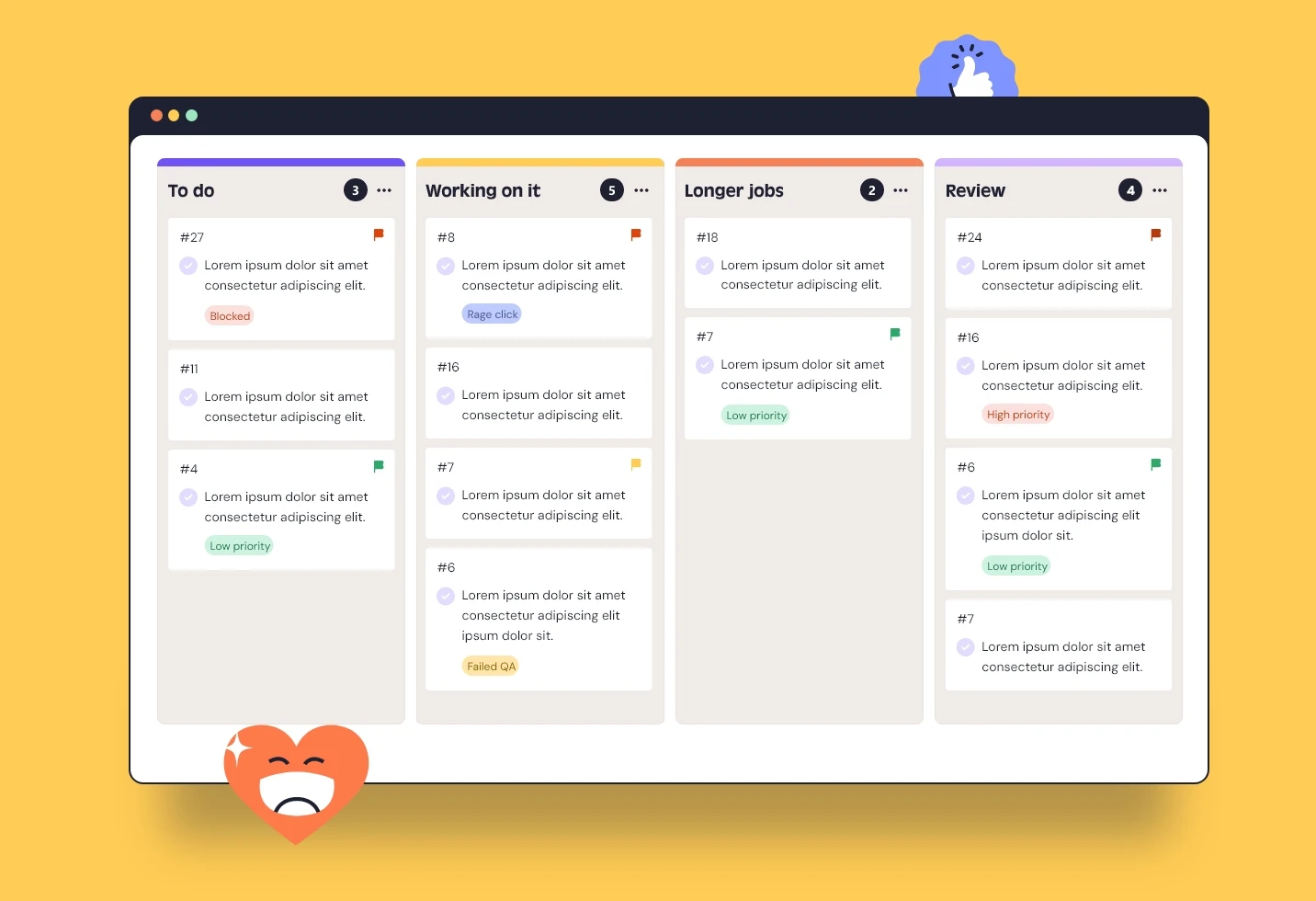
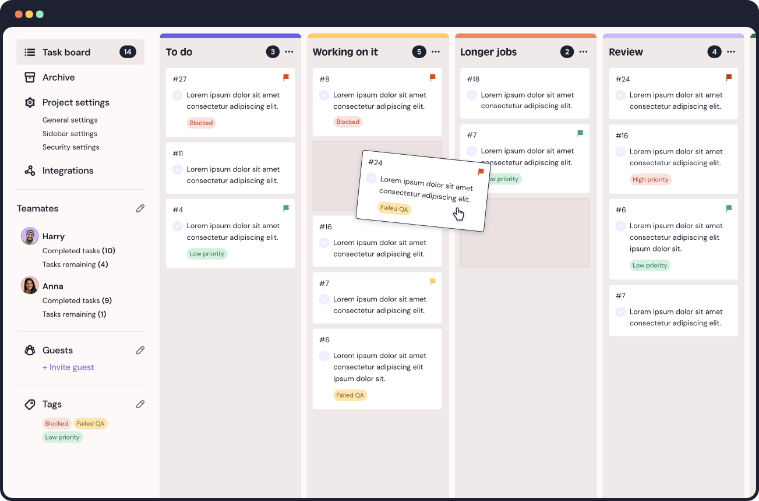
QualityHive is a leading website feedback tool that helps developers, designers, QA analysts and website owners share detailed feedback with video recording, easily accessible device details, instant screenshots and a Kanban board. All designed to make collaboration between both professions more streamlined. To learn more about QualityHive and how it can help you, book a demo today.