Which one you need
Pick zipBoard if you review documents, drawings, videos or e-learning courses, especially SCORM packages, and need formal approvals. Pick QualityHive if every review is on a website and you want a lower-priced tool focused on turning comments into developer tasks.
zipBoard describes itself as "the review and approval layer for your documents, drawings and courses". Its focus areas are technical documentation, test and certification publishers, architecture and construction teams, and learning and development. It reviews websites too, as one use case among several.
zipBoard publishes "starts at" prices, so treat its figures as a floor. Both columns are in dollars per month at the time of writing (November 2026), from zipBoard's pricing page and our pricing page.
| QualityHive | zipBoard |
Free plan | 1 member, 1 project, no guest feedback | None listed. 14-day free trial, no card |
Paid plans | Lite $18, Essential $40, Mega $78, Colossal $140 | Team from $99, Agency from $199, Enterprise by quote |
Members or users | 2, 5, 10 or 30 by plan | Unlimited collaborators and reviewers on Team. Manager seats are an add-on on Agency |
What the price depends on | Members and projects | Content pieces, manager seats and integrations |
Projects and content | 5 projects on Lite, unlimited from Essential | Unlimited projects. Up to 20 content pieces on Team, up to 50 on Agency |
What can be reviewed | Websites | PDFs, drawings, videos, images, web pages, HTML and SCORM ZIP files, audio |
Reviewer access | One link, no login, no seat, Lite and above | Share links with no account needed |
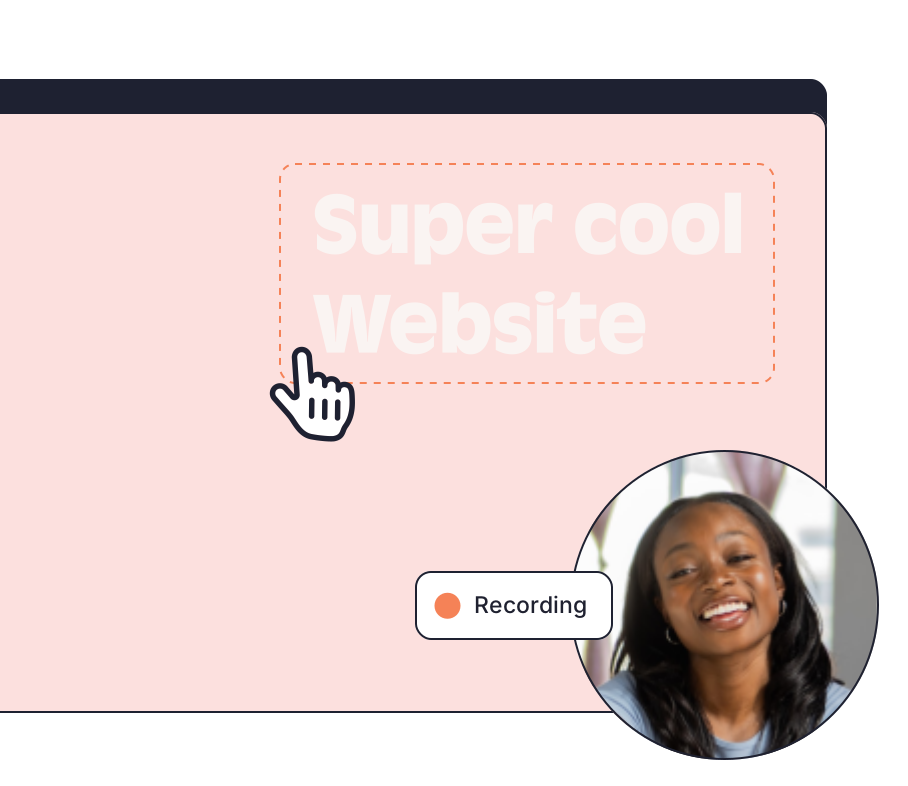
Developer detail | Screenshot, pinned element and video. Browser, OS and screen size on Lite and above. JavaScript errors on Mega and above | Screen recordings and annotated screenshots. Browser, OS and resolution per its course review page |
Direct integrations | Trello and Monday.com | Jira, Slack, Microsoft Teams, Outlook, Wrike, LambdaTest, Procore and Zapier. Integrations are listed from Agency |
A SCORM package and a marketing site are reviewed differently. A course review has to deal with builds, subject matter experts and formal sign-off, and zipBoard is set up for that. You upload a SCORM or HTML ZIP, or add a course URL, then compare versions side by side. Reviewers record Approved or Changes Requested, and approvals reset when a new version goes up. It supports output from Articulate Rise and Storyline, Adobe Captivate and iSpring.
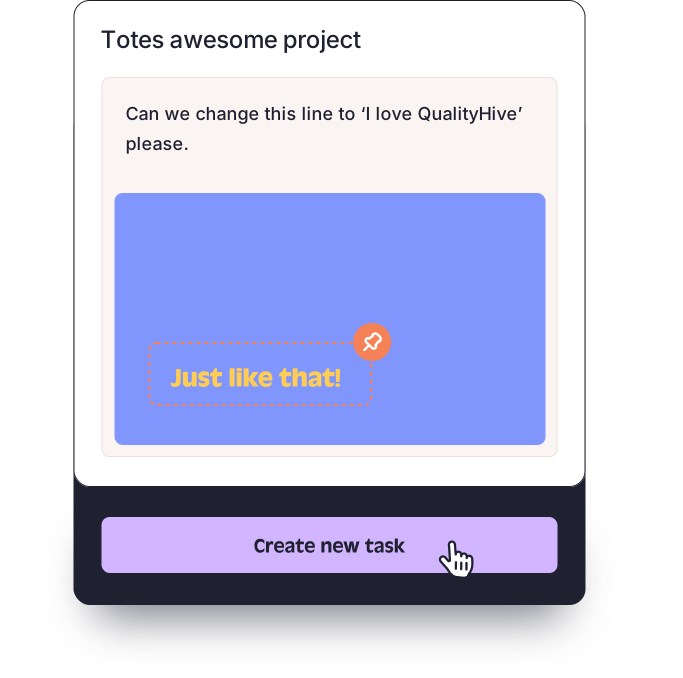
A website review ends in a list of things to fix in code. Take a hypothetical example: a client reviewing the staging site of a fictional bakery, example-bakery.test, sees the menu fail to collapse on a small phone. With QualityHive they click the menu through a guest link, and your developer gets a task with a screenshot, the pinned element and, on Lite and above, the browser and screen size. A task on the Kanban board is usually all that job needs.
When zipBoard is the better choice
You review e-learning. SCORM and HTML ZIPs, course versions and SME sign-off are core to zipBoard. QualityHive does not review courses.
You review documents and drawings. PDFs, drawings, video and audio all sit alongside web pages, and Procore support helps construction teams.
You need formal approvals. Custom workflow phases, version comparison and per-reviewer approval status are built in.
You have a lot of reviewers on a fixed budget. Team includes unlimited collaborators and reviewers. Check the content allowance against your volume, as Team covers up to 20 content pieces.
Your stack needs more connections. zipBoard lists Jira, Slack, Microsoft Teams, Outlook, Wrike, Procore, LambdaTest and Zapier. On the QualityHive side, direct integrations stop at Trello and Monday.com.
Where QualityHive makes more sense
QualityHive suits teams that only ship websites and want the feedback tool to live on the site. The widget goes in through a script or Google Tag Manager, or your team can use a Chrome, Firefox or Edge extension with no site changes. Plans start at $18 a month and include direct Trello and Monday.com integrations from Lite, so a small team is not paying for document workflows it will never open.