Pastel or QualityHive: the short answer
Pastel, the website feedback tool at usepastel.com, is a simple way to collect comments on websites, PDFs, images and more. If you were looking for Pastel accounting software or art supplies, this is the wrong page. Pick QualityHive when comments need to become tracked development work. Pick Pastel when you mainly need no-install review and sign-off across mixed creative assets.
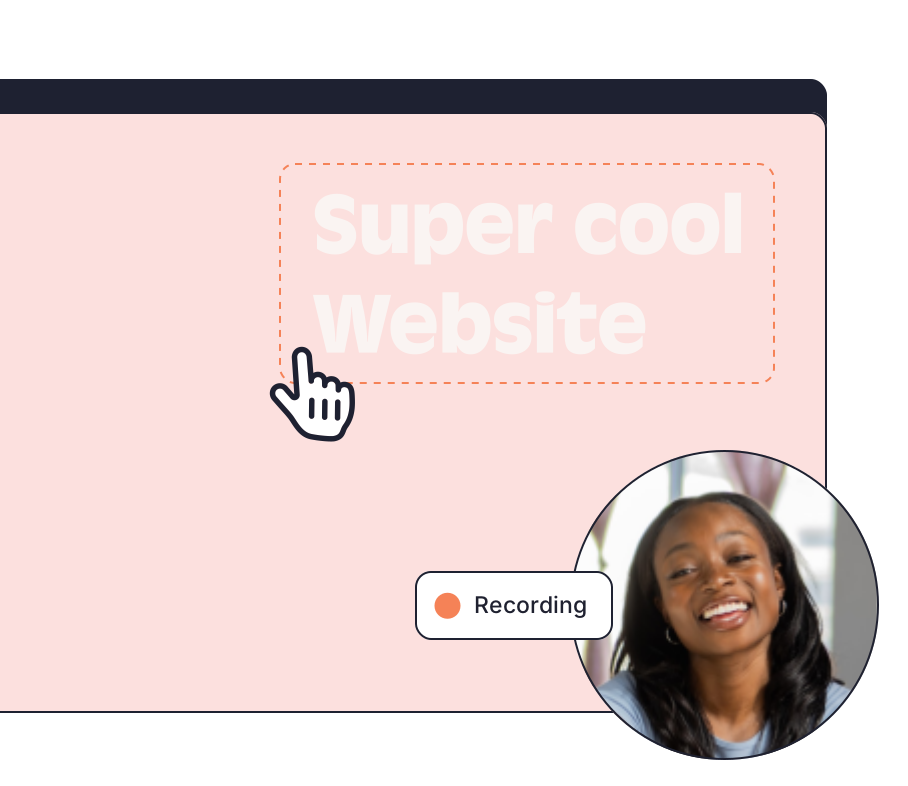
The main difference is where the review happens. Pastel creates a canvas from a URL or an uploaded file and you share the link, with nothing added to the site. QualityHive puts a widget on the site itself, using a script in the
QualityHive and Pastel side by side
Prices are in dollars per month on monthly billing at the time of writing (November 2026), from Pastel's plans page and our pricing page. Pastel's annual billing lowers Pro to $29 a month and Team to $99 a month.
| QualityHive | Pastel |
Free plan | 1 member, 1 project, no guest feedback | 1 user, 1 active canvas, unlimited guest reviewers |
Paid plans | Lite $18, Essential $40, Mega $78, Colossal $140 | Pro $35, Team $119, Enterprise $450 billed yearly |
Members or users | 2, 5, 10 or 30 by plan | 2 on Pro, 5 on Team then $24 per extra user, 10 or more on Enterprise |
Projects or canvases | 5 on Lite, unlimited from Essential | 3 on Pro, unlimited from Team |
Guests without a login | Yes on Lite and above, and they do not use a seat | Yes, on every plan |
What can be reviewed | Websites | Websites, PDFs, images, videos and marketing emails |
How a site is reviewed | Widget via script or Google Tag Manager, or a browser extension. Guest link for clients | Enter a URL to create a canvas. Chrome extension for sites behind a VPN or firewall |
Project tools | Direct integrations with Trello and Monday.com, Lite and above | Comment export to Trello, Asana, Jira, ClickUp and Monday.com, Team and above |
Screen recording | Built in on every plan | Not listed on its plans or features pages |
Browser, OS and screen size | Captured on tasks, Lite and above | Not listed on its plans or features pages |
JavaScript errors | Logged on tasks, Mega and above | Not listed on its plans or features pages |
AI assistants | MCP server, Lite and above | MCP server documented in its help centre |
Sign-off | Tasks marked complete | Approvals, deadlines and reminders on every plan |
What the difference looks like on a real fix
Take a hypothetical example. A client reviewing a fictional shop, example-store.test, finds the Pay button overlapping the card field on an iPad. In Pastel they pin a comment on the canvas, so your team has the comment and the place on the page. On the Team plan you can export that comment to your project tool.
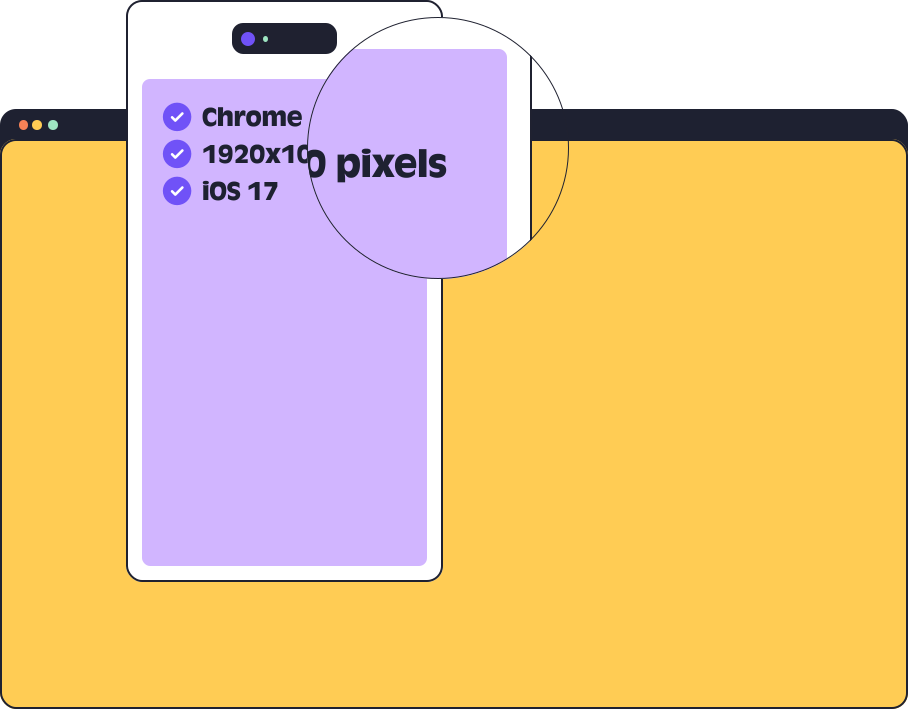
In QualityHive the same click creates a task with a screenshot and the pinned element. On Lite and above it also carries the browser, OS and screen size, so a developer can open the right device first. The task sits on the real-time Kanban board until someone marks it complete, and it can go to Trello or Monday.com through the direct integration too.
When Pastel is the better choice
You review more than websites. Pastel handles PDFs, images, videos and marketing emails in one place. QualityHive works on websites only.
You cannot touch the site at all. Pastel needs nothing added to the site. QualityHive needs the script or a browser extension on your side, and the guest link loads the site in a frame, so strict X-Frame-Options or CSP headers must allow app.qualityhive.com and connector.qualityhive.com.
You want sign-off tools. Approvals, feedback deadlines and pausing comments are all on Pastel's Free plan.
You want free client review. Pastel's Free plan includes unlimited guest reviewers on one active canvas. On QualityHive, guest feedback needs Lite or above.
Your team works outside Trello and Monday.com. Pastel's Team plan exports comments to Jira, Asana and ClickUp as well, and adds webhook export and Zapier. QualityHive integrates directly with Trello and Monday.com only.
When QualityHive is the better choice
QualityHive fits teams whose review ends with a developer changing code. The task, screenshot, recording and technical detail stay together, and it starts at $18 a month for two people. Direct Trello and Monday.com integrations are included at that price, while Pastel lists its project tool integrations from the $119 Team plan.