QualityHive or Marker.io: the short answer
For a team of two to five paying month to month, QualityHive costs less and comes with its own Kanban board. If your developers work in Jira, GitHub or Linear and want console logs and session replay on every report, Marker.io is the better tool.
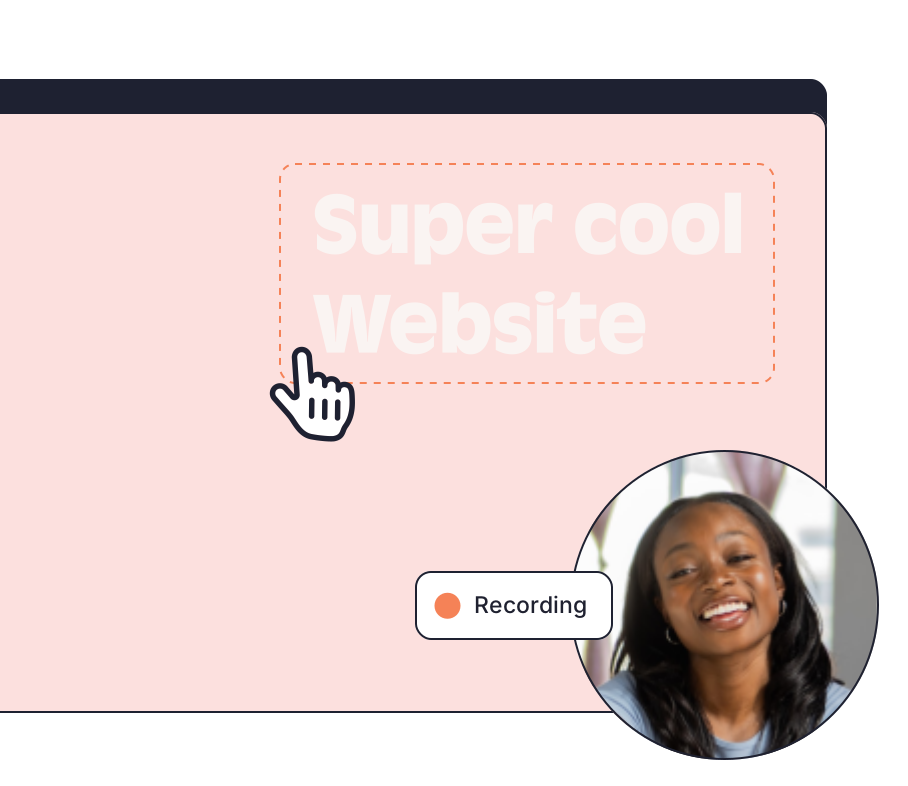
Marker.io is a website feedback and visual annotation tool that captures issues on a live site and sends them to the project tools you already use. QualityHive captures issues the same way, then keeps them on a real-time board of its own. All Marker.io figures below come from its pricing page at the time of writing (November 2026).
Side by side
| QualityHive | Marker.io |
Entry plan | Lite: $18 a month, 2 members, 5 projects | Starter: $59 billed monthly or $39 a month billed annually, 3 team members, up to 10 projects |
Next plan up | Essential: $40 a month, 5 members, unlimited projects | Team: $199 billed monthly or $149 a month billed annually, 15 team members, up to 50 projects |
Free option | Free plan: 1 member, 1 project, no guest feedback | 15-day free trial with no card. No permanent free plan listed |
Client feedback | One guest link with no login or seat, from Lite | Free, unlimited guests with no account, on every plan |
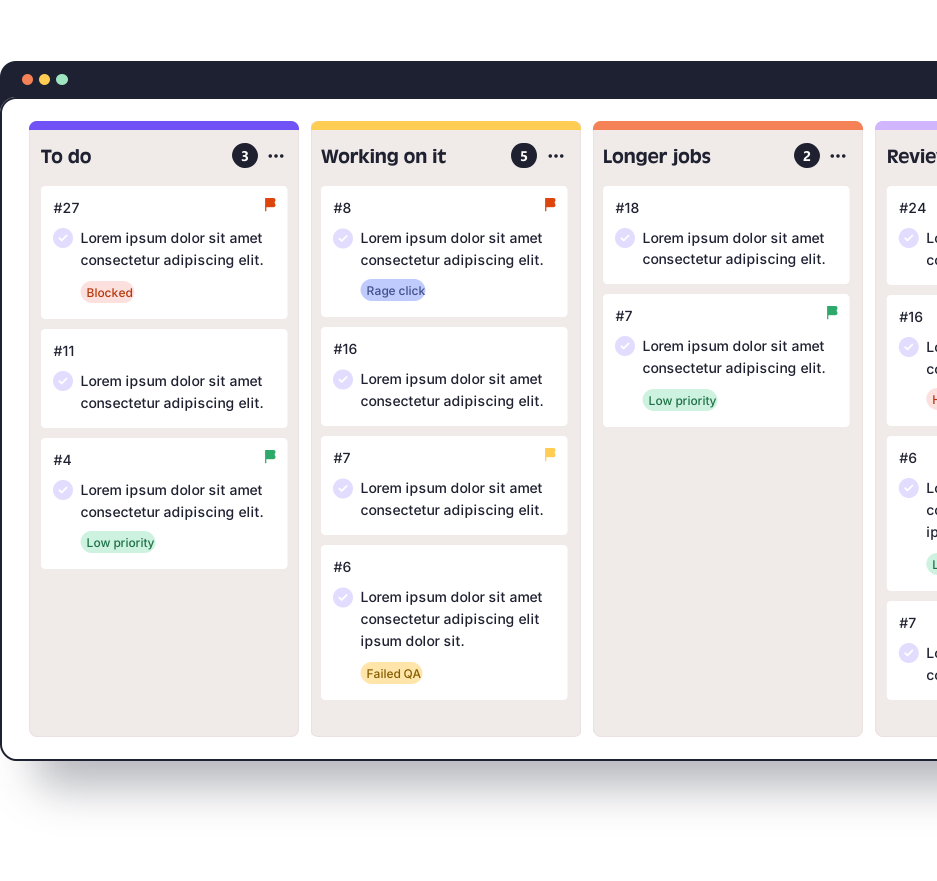
Where tasks live | Built-in real-time Kanban board | Dashboard for status, priority, type and assignee, plus two-way sync with your project tool |
Integrations | Trello and Monday.com, webhooks on Mega, API on Colossal | A directory of more than 30, including Jira, GitHub, GitLab, Linear, Asana, ClickUp and Slack |
Technical capture | Browser, OS and screen size from Lite, JavaScript errors from Mega | Console logs, network requests and session replay from Team |
AI access (MCP) | From Lite: read tasks, comment, tag, complete or reopen | Starter and up: 33 tools, including status, priority and assignee changes |
What it costs at different team sizes
Marker.io charges for extra members on top of each plan, so the gap changes with headcount. These figures use its published Starter rate of $6 per extra member billed monthly, or $4 billed annually.
Team size | QualityHive | Marker.io billed monthly | Marker.io billed annually, per month |
2 people | Lite, $18 | Starter, $59 | Starter, $39 |
3 people | Essential, $40 | Starter, $59 | Starter, $39 |
5 people | Essential, $40 | Starter plus 2, $71 | Starter plus 2, $47 |
10 people | Mega, $78 | Starter plus 7, $101 | Starter plus 7, $67 |
Annual billing closes the gap quickly. At three people Marker.io Starter is a dollar a month under Essential, and at ten people it is $11 a month under Mega. Plan contents still differ at that size, because Mega includes JavaScript error logging, webhooks and Excel export, while Starter leaves out console logs, webhooks and CSV export.
Take a hypothetical five-person studio with eight client sites, paying month to month. Essential is $40. Marker.io Starter with two extra members is $71, and its 10-project limit still covers the eight sites.
When Marker.io is the better choice
Your developers work in Jira, GitHub, GitLab or Linear. We have direct integrations with Trello and Monday.com only. Marker.io connects to all of those tools, and Jira needs its Team plan.
You want the full debugging picture on each report. Marker.io captures console logs, network requests and session replay from Team upwards. We log JavaScript errors from Mega, and a reviewer can record video, but a replay of what happened before the report is a different thing.
You want to monitor sites after launch. Marker.io's Website Monitoring scans on a schedule for accessibility issues and broken elements.
Your AI agent needs to triage as well as read. Marker.io's MCP can change priority, type and assignee. Ours reads tasks with their full context, comments, tags and completes or reopens tasks in batches of up to 100, but it cannot reassign, move columns, edit wording or delete.
You qualify for its Agency plan. Marker.io lists $129 billed monthly or $99 a month billed annually for 15 team members and 50 active client projects, for eligible agencies with conditions applied. For a 15-person agency that can compare well with our plans.
Where QualityHive fits
QualityHive suits teams that run projects in Trello, Monday.com or a board of their own and want clients to report issues with one guest link. Tasks arrive with a screenshot and the exact element pinned, then move across the Kanban board in real time.
One limit to plan around: the guest link loads your site inside a frame, so sites with strict X-Frame-Options or CSP headers need to allow app.qualityhive.com and connector.qualityhive.com. On platforms where you cannot change those headers, such as Shopify, use the widget script or browser extension instead.