The quick verdict on Feedbucket
Pick Feedbucket if your agency already lives in a project tool and you want client feedback to land there. Pick QualityHive if you want feedback handled on its own Kanban board, want a free plan or a lower starting price, and only need Trello or Monday.com on the integration side.
Both let clients pin feedback directly on a site with no account. Feedbucket calls itself "a website feedback tool made for agencies, loved by their clients", and its approach is to keep your team in the tool it already uses. QualityHive can send tasks to Trello and Monday.com, and it also works as the place you manage the job.
Feedbucket and QualityHive compared
At the time of writing (November 2026), Feedbucket's pricing page and our pricing page show these monthly prices in dollars. Feedbucket says yearly billing saves 20%.
| QualityHive | Feedbucket |
Free plan | Yes: 1 member, 1 project, no guest feedback | None listed. 14-day free trial, no card |
Paid plans | Lite $18, Essential $40, Mega $78, Colossal $140 | Pro $49, Business $89, Enterprise custom |
Team members | 2, 5, 10 or 30 by plan | 2 on Pro, 25 on Business |
Projects | 5 on Lite, unlimited from Essential | Unlimited on every plan |
Client access | One link, no login, no seat, Lite and above | Unlimited reporters, no account or extension, every plan |
Direct integrations | Trello and Monday.com, sending tasks out to those boards | Asana, Jira, ClickUp, Trello, Basecamp, Monday, Zapier, Slack, GitHub, Linear, GitLab, Teamwork, Shortcut and Notion, every plan |
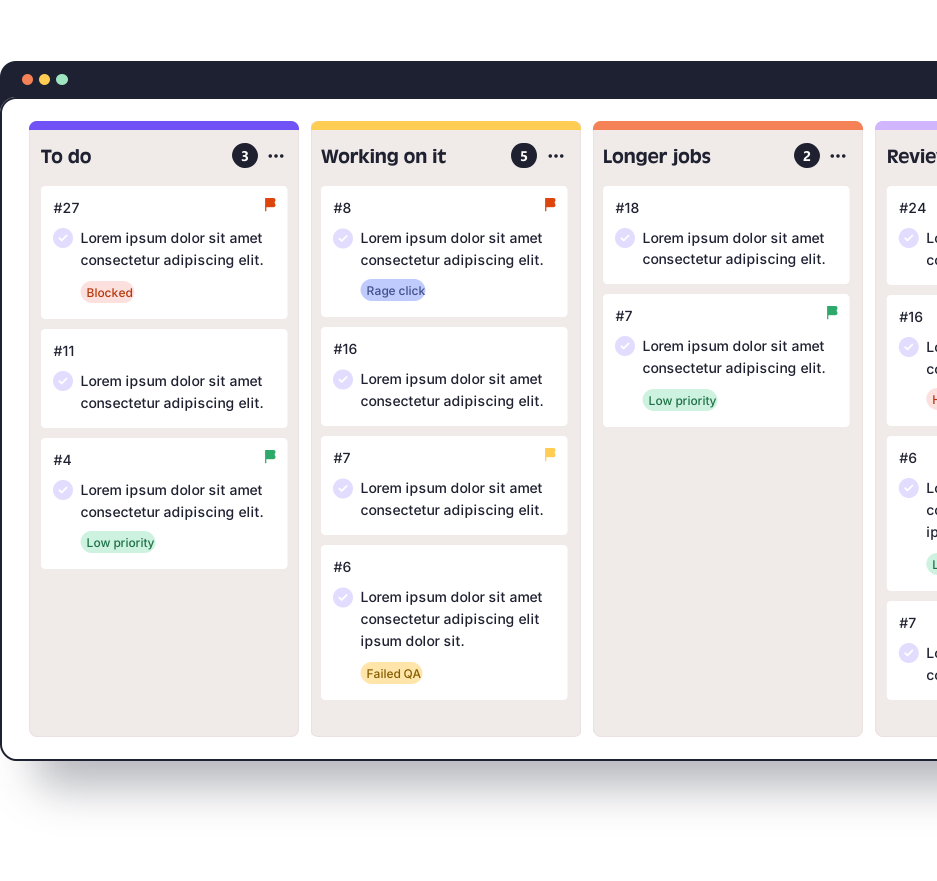
Where work is managed | Built-in real-time Kanban board | Your project tool, plus the Feedbucket admin and the widget's feedback list |
Evidence on a report | Screenshot, pinned element and video. Browser, OS and screen size on Lite and above | Screenshot and video, plus browser, OS, URL, resolution, device, viewport and pixel ratio |
Console or JavaScript errors | Logged on tasks, Mega and above | Console logs, listed on Business and, in its comparison table, on Pro |
Exports | Excel (XLSX), Mega and above | CSV, Business and above |
AI assistants | MCP server, Lite and above | MCP connector, every plan |
If you run Trello or Monday.com
This is where the two tools differ most. Feedbucket creates a Trello card or Monday item for each piece of feedback and copies comments across, and it works in both directions. Archiving the card, moving it to a chosen list or changing a Monday status resolves the feedback in Feedbucket. Comments typed in Trello or Monday only reach Feedbucket if they start with @feedbucket, which keeps internal chatter away from the client.
QualityHive sends tasks and later changes out to Trello or Monday.com, and changes made on those boards do not sync back, as our Trello integration guide explains. If your team closes work in Trello and you want the feedback tool to update itself, Feedbucket does that and QualityHive does not. If you are happy for QualityHive's board to stay the source of truth, the integration keeps Trello or Monday.com up to date from it.
A worked cost example
Consider a hypothetical five-person studio running client reviews in Monday.com. QualityHive Essential would be $40 a month. Feedbucket Business would be $89 a month, because Pro stops at 2 team members.
Now scale that to a hypothetical 25-person agency. Feedbucket Business stays at $89 a month. The QualityHive plan that covers 25 people is Colossal at $140 a month.
When Feedbucket is the better choice
Your work runs outside Trello and Monday.com. Feedbucket lists Asana, Jira, ClickUp, Basecamp, GitHub, Linear, GitLab, Teamwork, Shortcut, Notion, Slack and Zapier on every plan. QualityHive integrates directly with Trello and Monday.com only, so anything else means webhooks on Mega or the REST API on Colossal.
You close work in your project tool. Feedback in Feedbucket resolves when the Trello card or Monday item is closed on that side.
You have a bigger team. Business covers 25 team members for $89 a month, which is less than any QualityHive plan of that size.
You want your own branding. Business adds your own logo, widget colours and removal of the "Powered by" link.
You are on WordPress and want a plugin. Feedbucket has a native WordPress plugin. QualityHive uses a script, Google Tag Manager or a browser extension.
You want more browser context. Feedbucket lists viewport and pixel ratio alongside browser, OS and resolution.
Who QualityHive suits instead
QualityHive suits smaller agencies and teams with no project tool at all. Paid plans start at $18 for two members, and tasks can stay on the built-in board from the first client review. After the 14-day Mega period an account moves to the Free plan rather than expiring, so you can keep your project while you decide.